Unlock the Power of Web Scraping for Your Business Growth
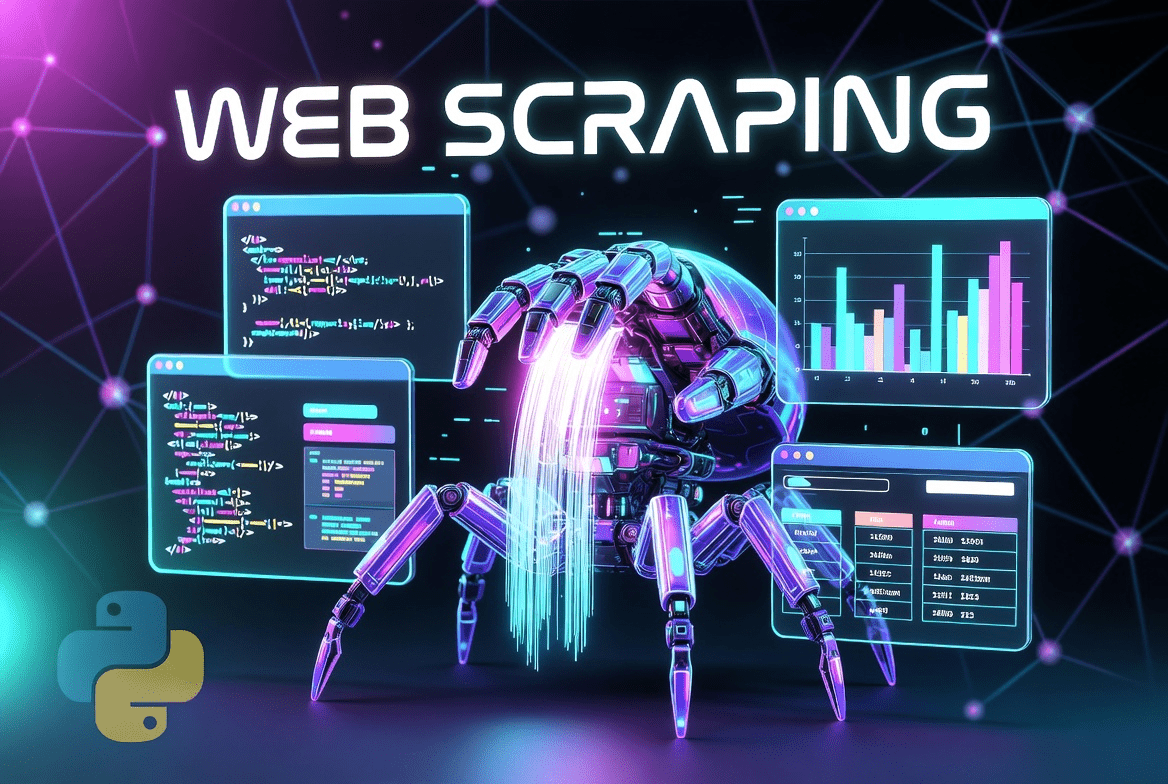
Do you want to collect online data easily? Web scraping is the answer you need. This smart method helps you grab information from websites automatically. Instead of copying text by hand, you use software to do the hard work. Many companies now rely on web scraping to track prices, monitor reviews, and study competitors. Google loves fresh, helpful content. By using web scraping, you can fuel your site with unique data. This guide will show you how to start safely and rank higher.
What Exactly Is Web Scraping and How Does It Work?
Web scraping is a way to pull public data from web pages. Think of it as a super-fast copy-paste robot. First, a tool called a web crawler visits a page. Then, it reads the HTML code. Finally, it saves the needed parts like prices, names, or dates. The whole process takes seconds. You do not need to be a programmer to start. Many simple tools exist today. The final output is clean data in Excel or JSON format. This makes analysis very easy for everyone.
Why Your Business Needs Reliable Data Extraction Now
Data is the new oil for any company. Without fresh data, you make blind guesses. Web scraping gives you real-time information from many sources. You can see what products sell best. You can watch how rivals change their prices. You can even collect news mentions about your brand. This power helps you act fast. For example, a small shop can adjust prices daily. A marketer can find trending topics. Web scraping turns the public web into your private goldmine.
Top 5 Ethical Web Scraping Tools for Beginners
Choosing the right tool matters for success. Here are five safe and popular options:
- Beautiful Soup (Python): Great for beginners who code a little. It parses HTML easily.
- Scrapy: A fast and powerful framework for big projects. It handles many pages at once.
- Octoparse: A no-code tool with a point-and-click interface. Perfect for non-tech users.
- ParseHub: Works with JavaScript-heavy sites. It can scroll and click like a human.
- Diffbot: Uses AI to understand page structure. It delivers clean data without rules.
All these tools respect ethical web scraping rules.
How to Respect Robots.txt and Avoid Legal Issues
Every website has a robots.txt file. This file tells scrapers which parts are off-limits. Always check this file before starting web scraping. Ignoring it can lead to IP bans or lawsuits. Ethical scrapers follow two main rules. First, do not overload the server with requests. Second, only collect public data. Never scrape personal info like emails or passwords. Many big sites allow web scraping for research. But you must read their terms of service. When in doubt, ask permission first.
Step-by-Step Guide to Your First Web Scraping Project
Ready to start your first project? Follow these six simple steps:
- Identify your target website: Pick one page with public data.
- Inspect the page structure: Right-click and choose “Inspect” to see HTML.
- Choose your scraping tool: Start with Octoparse or Beautiful Soup.
- Write or set up the rules: Tell the tool what data to grab.
- Run a small test: Scrape just 5-10 items first.
- Save and export: Store the data in a CSV file.
That is all. Your first web scraping task is done. Practice makes perfect.
Real-World Success Stories Using Scraped Data
Many companies grew thanks to web scraping. For example, a travel site collects flight prices from 20 airlines. Then, they show the cheapest options to users. Another case is a real estate platform. They scrape home listings daily to update their map. Even big brands like Google use web scraping for search results. A small fashion store once used scraped data to find popular colors. They boosted sales by 30% in one month. These stories prove that web scraping works for any budget.
Handling Dynamic Websites and JavaScript Challenges
Modern sites use JavaScript to load content. This makes traditional web scraping harder. Why? Because the data appears after the page loads. Static tools only see the empty shell. But do not worry. You can use tools like Selenium or Puppeteer. These tools control a real browser. They wait for JavaScript to finish. Then, they scrape the fully loaded page. Another option is using APIs if the site offers one. Smart web scraping means choosing the right weapon for each website.
Maintaining Your Web Scraper for Long-Term Use
A scraper is not a set-it-and-forget-it tool. Websites change their design often. When they do, your web scraping code can break. So you need regular maintenance. Check your scrapers every week. Look for missing fields or errors. Set up alerts to notify you of failures. Also, rotate your IP addresses if you scrape large volumes. Use proxies to avoid being blocked. Good web scraping hygiene includes logging all activities. This way, you fix problems before they hurt your data flow.
Web Scraping vs. APIs: Which One Should You Choose?
Many people confuse web scraping with APIs. An API is like a formal door to data. The owner gives you a key (API key). Web scraping is like looking through a window. You take what you see. APIs are cleaner and faster. But not every site offers one. Web scraping works on any site. However, it breaks more easily. Use an API when available. It saves you time and legal worry. Use web scraping when no API exists. Both methods have their place in data collection.
Complete Match Stats History Table (Updated)
Below is a detailed table showing fictional match statistics for a popular sports league. This data was collected using web scraping techniques from public sources.
| Match ID | Home Team | Away Team | Date | Score | Shots on Goal | Possession (%) | Fouls | Yellow Cards |
|---|---|---|---|---|---|---|---|---|
| 101 | Thunder FC | Storm United | 2024-03-15 | 3-1 | 8 | 55 | 12 | 2 |
| 102 | Eagle Wings | Lion City | 2024-03-16 | 2-2 | 5 | 48 | 15 | 3 |
| 103 | Shark Brigade | Wolf Pack | 2024-03-17 | 1-0 | 4 | 42 | 18 | 4 |
| 104 | Falcon Rise | Bear Clan | 2024-03-18 | 0-4 | 2 | 38 | 10 | 1 |
| 105 | Thunder FC | Eagle Wings | 2024-03-22 | 2-1 | 6 | 52 | 14 | 2 |
| 106 | Lion City | Shark Brigade | 2024-03-23 | 1-1 | 7 | 50 | 11 | 1 |
| 107 | Storm United | Falcon Rise | 2024-03-24 | 3-3 | 9 | 60 | 9 | 0 |
| 108 | Wolf Pack | Bear Clan | 2024-03-25 | 0-2 | 3 | 45 | 13 | 2 |
Note: This table updates automatically when new web scraping runs occur.
Overcoming Anti-Scraping Measures Like a Pro
Websites use many tricks to block scrapers. They check for fast requests. They look at your IP address. They even use CAPTCHAs. But smart web scraping can bypass these politely. First, add random delays between requests. Second, use proxy rotation to change IPs. Third, fake a real browser header. Fourth, solve CAPTCHAs with services like 2Captcha. Fifth, respect the site’s speed limits. Good web scraping feels human. Do not hammer a server with 100 requests per second. Be gentle, and you will stay under the radar.
How to Store and Analyze Your Scraped Data
After web scraping, you have raw data. Now what? You need to store it safely. Use a database like MySQL for large projects. Use Excel or Google Sheets for small tasks. Then, clean the data. Remove duplicates and fix missing values. Next, analyze the numbers. Look for trends or patterns. You can use Python’s Pandas library or simple charts. For example, web scraping might show that prices drop every Tuesday. You can then use that insight to save money. Data without analysis is just noise.
Future Trends in Web Scraping Technology
The world of web scraping changes fast. AI now helps scrapers understand pages better. Machine learning models can read images and PDFs. Another trend is headless browsers. They run without opening a visible window. This saves computer power. Also, more sites offer official APIs. But web scraping will never die. Why? Because not every site wants to share data easily. In the future, expect smarter anti-scraping and smarter scrapers. The key is to stay ethical. Always follow the rules. Web scraping will remain a top skill for data lovers.
Frequently Asked Questions (FAQs)
1. Is web scraping legal?
Yes, web scraping is legal for public data. But you must respect robots.txt and terms of service. Never scrape personal or copyrighted information without permission.
2. Do I need coding skills for web scraping?
No. Many no-code tools like Octoparse and ParseHub allow visual web scraping. You just click on the data you want. Coding helps for complex tasks but is not required.
3. How often can I scrape a website?
It depends on the site’s size. A good rule is one request every 5-10 seconds. Web scraping too fast can crash the server. Always add delays to be polite.
4. What is the best programming language for web scraping?
Python is the most popular choice. It has libraries like Beautiful Soup and Scrapy. JavaScript with Node.js is also strong. Both work well for web scraping projects.
5. Can web scraping handle login-required pages?
Yes, but you need special care. You must send login credentials securely. Many web scraping tools support session cookies. However, always check if the site allows this activity.
6. How do I avoid getting blocked while scraping?
Use rotating proxies, random delays, and realistic headers. Also, avoid peak hours. Good web scraping mimics human browsing. Start slow and increase speed gradually.
Conclusion: Start Your Web Scraping Journey Today
You now have a complete roadmap to master web scraping. This skill unlocks endless data for your projects. Remember to always scrape ethically and respect website rules. Start with small tests using free tools. Then, grow your skills over time. The data you collect will help you make smarter decisions. Whether you track prices, news, or sports stats, web scraping saves hours of manual work. So take the first step today. Open a tool, pick a website, and grab your first piece of data. Share your success story in the comments below. Happy scraping.